When iPad becomes the device behind a digital signage screen, a self-service check-in, a retail kiosk, a tasting station or an immersive customer experience, two questions decide whether the deployment is a success or a daily IT headache: how do you keep the device locked to a single app, and how do you push full-screen video reliably across the fleet?
The combination of Apple’s Single App Mode and a mature MDM platform like Jamf Pro — orchestrated by SETEK Consultants, Apple Premium Technical Partner for organizations across the UAE, Spain and the wider GCC — turns iPad and Apple TV into rock-solid kiosk and signage platforms that just keep running.
What is Single App Mode and why it matters
Single App Mode is a managed iPad and iPhone capability that locks the device to one specific app, preventing users from leaving it, switching apps, accessing the Home Screen or reaching system settings. It is configured through Apple’s MDM protocol on supervised devices — typically via Apple Business and Automated Device Enrollment — and is the foundation of every serious Apple-based kiosk, signage and dedicated-purpose deployment.
For the technical details, Apple’s official documentation in the Apple Platform Deployment Guide is the authoritative reference.
Single App Mode delivers what businesses need from a dedicated device:
- The user cannot leave the chosen app.
- Notifications, Control Center and other distractions can be hidden or restricted.
- Auto-lock can be disabled so the device stays awake on a screen 24/7.
- The configuration can be deployed silently to dozens or hundreds of devices.
- The device can be remotely repurposed, updated or wiped from a central console.
Full Screen Video: a quiet but powerful business workflow
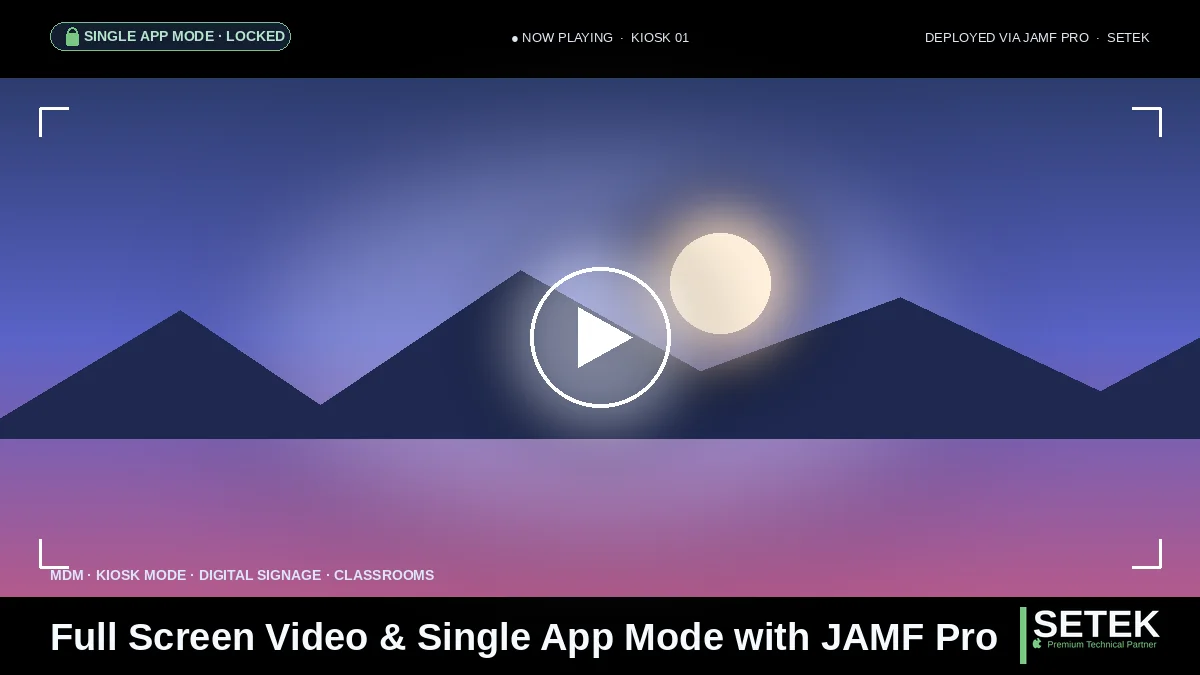
For digital signage, training rooms, museum exhibits, hospitality experiences, retail flagships and customer-facing displays, the most common workflow is “open one app, play a full-screen video, never let the user leave”. Done properly, it looks effortless. Done poorly, it becomes a daily problem: devices that fall back to the Home Screen, sleep mid-loop, expose the system UI, or display the wrong content after an update.
With Single App Mode + Jamf Pro, the full-screen video workflow becomes a controlled, observable and resilient process. The right app (often a kiosk-friendly video or signage player) is pinned, the right content is delivered through your content management system, the right configuration profiles are pushed to every iPad in the fleet, and the IT team gains real-time visibility from a single console.
Business use cases where this combination shines
We see Single App Mode + full-screen video drive value across many scenarios in the UAE and Spain:
- Retail and luxury flagships. Always-on product videos and brand stories in stores across Dubai, Abu Dhabi, Madrid and Barcelona.
- Hospitality and restaurants. Digital menu boards, table-side ordering tablets and ambient brand content.
- Healthcare and clinics. Self-service patient check-in and education videos in waiting areas.
- Education. Lab and classroom iPads locked to specific apps for testing, training and immersive content.
- Events, expos and conferences. Themed stands powered by iPad and Apple TV across UAE and Spanish venues.
- Museums and cultural sites. Multimedia exhibits where Visitors interact with locked, curated content.
- Showrooms, real estate and automotive. Interactive product configurators in single-app mode.
- Manufacturing and logistics. Production-line dashboards and shipment status displays.
For organizations standardizing on iPad Air with M4 as the enterprise standard, Single App Mode + Jamf Pro is the model that makes the device feel like a fixed-purpose appliance — without losing the flexibility of the underlying iPadOS platform.
How Jamf Pro orchestrates the experience
Jamf Pro is built specifically for Apple, which makes it particularly well suited to dedicated-device deployments. At a high level, the orchestration relies on the following building blocks:
- Apple Business and Automated Device Enrollment. Every kiosk iPad is automatically supervised and assigned to your Jamf Pro instance at first boot, as detailed in our Apple Business enterprise management guide.
- Configuration profiles. Wi-Fi, certificates, restrictions, single-app payloads, network and time zone — pushed silently before the device reaches the floor.
- Smart Groups. Dynamic groupings (by location, model, OS version, app version) that decide which policies apply where.
- Self Service and Managed App Distribution. Apps installed silently from the App Store or via Custom Apps, with controlled updates.
- Restrictions and supervised settings. Hide the Home Screen indicator, lock orientation, disable Control Center swipe, disable AirDrop and AirPlay, prevent app removal, and many more controls available only on supervised iPad.
- Patch and OS update management. Keep iPadOS, signage apps and video players up to date without disturbing operations.
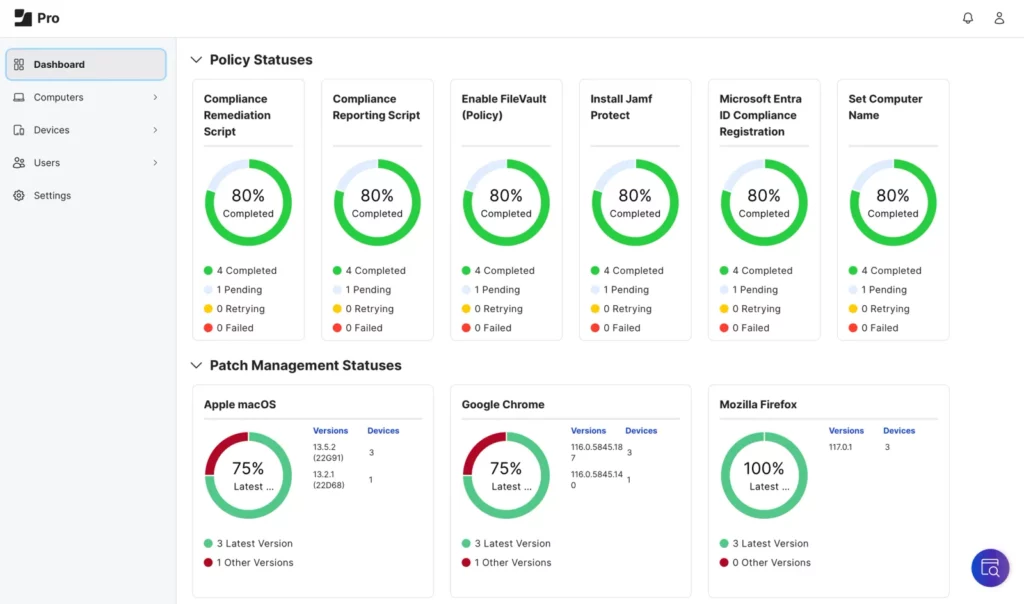
- Reporting and dashboards. Inventory, compliance status and health metrics for the entire fleet.
The result is a deployment that goes from “we have a fleet of iPad” to “we have a managed kiosk platform” — without bespoke scripting and without surprises.
Best practices for full-screen video and Single App Mode
After many deployments across Spain, the UAE and the wider GCC, the patterns that consistently work include:
- Supervise every kiosk device through Apple Business and Automated Device Enrollment. Single App Mode and most kiosk-friendly restrictions require supervision.
- Use Autonomous Single App Mode (ASAM) when the application itself needs to enter and exit single-app mode programmatically, for advanced workflows.
- Disable auto-lock for always-on displays, and pair the device with proper power and thermal planning.
- Pin the right app version to avoid silent updates that change the experience without notice.
- Centralize content through a dedicated CMS or video player rather than embedding video locally on each device.
- Plan the network. Stable Wi-Fi with WPA3-Enterprise and 802.1X, plus DNS filtering, are non-negotiable for fleets that depend on streaming content.
- Monitor proactively. Set Jamf Smart Groups to flag devices that drift out of compliance, miss check-ins or run outdated content.
- Plan for offboarding. Decide in advance how devices are wiped, repurposed or reassigned when a campaign ends.
For a wider view of the threat landscape and how to harden the Apple fleet, read our analysis on how to protect your Apple devices in 2026 with cybersecurity, MDM and AI.
Apple TV: the silent partner for digital signage
For pure signage scenarios — lobbies, conference rooms, branded spaces — Apple TV is often the right device. Managed through Jamf Pro and Apple Business, Apple TV delivers reliable, full-screen content with the simplicity Apple is known for. When combined with iPad-based interactive points in the same space, the result is a coherent, premium experience that scales across emirates, provinces and countries.
Compliance and the broader IT context
Even for “simple” kiosks, compliance matters. Devices in retail, hospitality, healthcare and education can collect personal data, display content visible to the public, and process payments. The same security baseline that protects employee devices must apply to kiosks — encryption, supervised mode, controlled apps, centralized logging — aligned with the GDPR, the UAE Personal Data Protection Law, ADHICS in healthcare and the UAE National Cybersecurity Strategy more broadly.
For a wider view of the MDM landscape, our analysis on the best MDM solution for Apple businesses explains why Jamf Pro is often the right choice for dedicated-purpose Apple deployments.
Why this matters for businesses in the UAE and Spain
In retail, hospitality, luxury, healthcare and education across Dubai, Abu Dhabi, Madrid and Barcelona, the device-driven customer experience is now part of the brand. A locked, reliable, beautifully managed iPad or Apple TV is the difference between a memorable visit and a forgettable one — and between an IT team that controls the fleet and one that chases it.
Let SETEK design and operate your Apple kiosk fleet
At SETEK Consultants we combine Apple Premium Technical Partner credentials, deep MDM expertise and proven managed services to design, deploy and operate Single App Mode and digital-signage fleets across Spain, the UAE and the wider GCC — anchored on Jamf Pro and Apple Business, with Zero-Touch Deployment and ongoing support. Discover how we have transformed Apple device strategy for other organizations in our customer stories.
Ready to turn iPad and Apple TV into rock-solid kiosks and digital signage in your business? Request your free consultation.